Logging out Follow

To log out of the uAccept POS device, follow these steps:
1. At any time, you can click your name in the lower-left corner of the device screen to display the Log Out option.
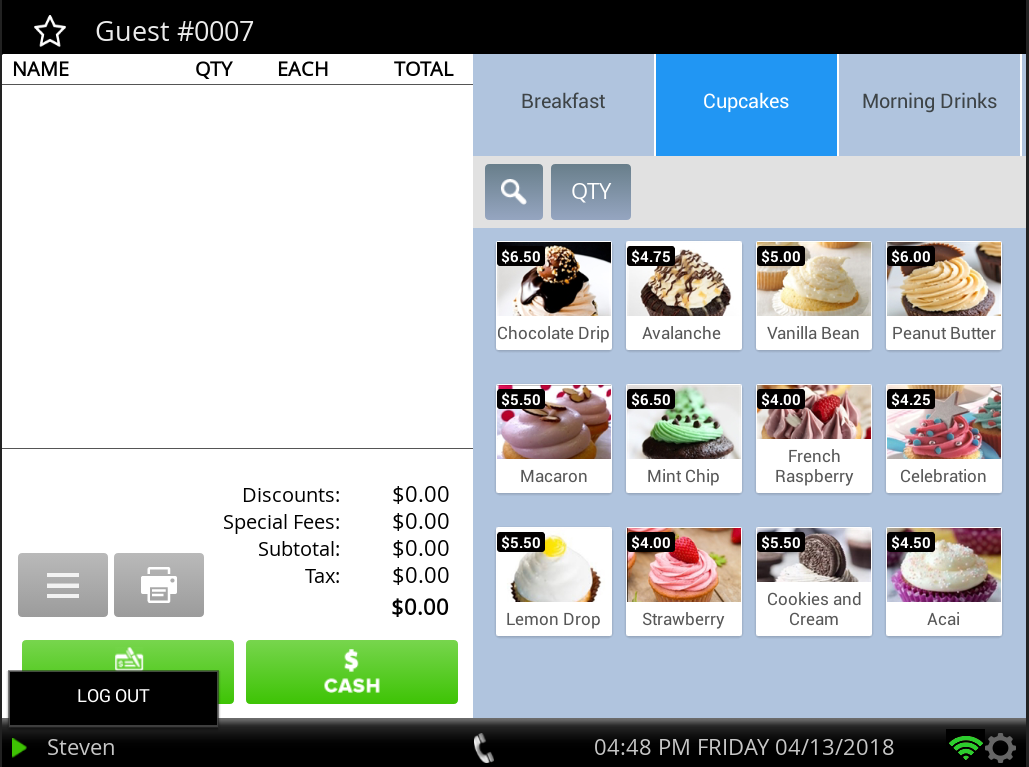
2. Select Log Out to return to the login screen.
Comments
0 comments
Please sign in to leave a comment.